
Submitting accurate meter readings is one of the simplest ways to ensure you are billed correctly for the energy you actually use. Yet meter reading trips up thousands of households every month. Here is exactly how to read every common UK meter type.
Standard Digital Electric Meter
Read the numbers from left to right, including any zeros. Stop before any red-coloured digits or digits after a decimal point — these are not included in your reading. Example: if the display shows 04721.8, your reading is 04721. Submit this number to your supplier. If you want to compare electricity prices, it only takes a few minutes.
Dial Meter (Older Properties)
Dial meters have a series of circular dials — typically five. Read each dial from left to right. Note: adjacent dials rotate in opposite directions (one clockwise, the next anti-clockwise). Record the lower number when the pointer is between two numbers. If the pointer is directly on a number, check the next dial to the right — if it shows 9, write down the lower number. Dial meters are being replaced by smart meters but still exist in some older properties.
Economy 7 Meter
Economy 7 meters show two readings: Rate 1 (or Normal) for daytime usage and Rate 2 (or Low) for overnight usage. You need to submit both readings separately. Your bill will show two separate calculations — one for each rate. Confusing which is which when submitting can result in significant billing errors. You can also find cheaper electricity to see what’s available.
Smart Meter
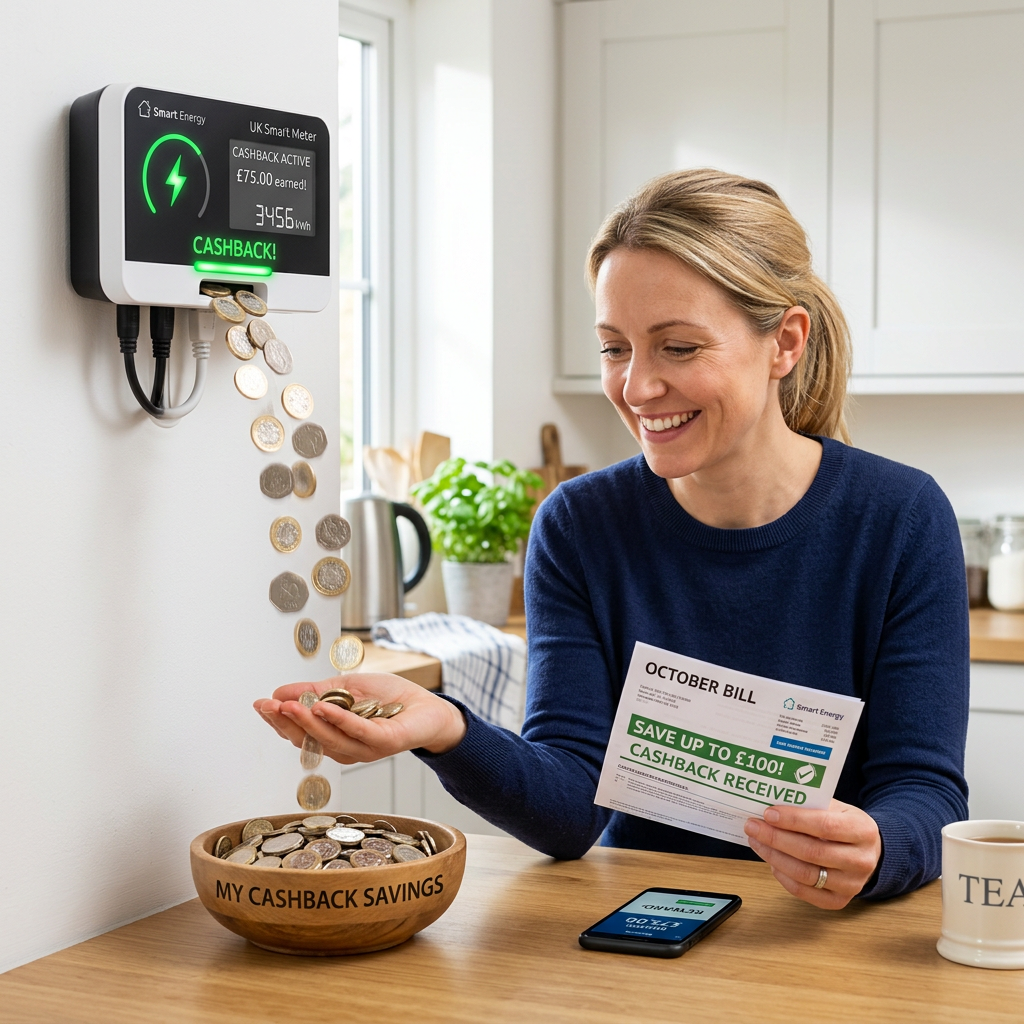
If you have a smart meter, readings are transmitted automatically — you do not need to submit them manually. However, you can view your current readings on the in-home display (IHD) or via your supplier’s app. It is worth checking occasionally that your smart meter is communicating correctly — if your bills show estimated reads, contact your supplier as your meter may have dropped off the network.
When to Submit Readings
Submit a reading at the end of every billing period, when you switch supplier, and when you move home (on moving day). Taking a photo of your meter alongside your submission provides useful evidence if disputes arise. Make sure your tariff is right too — compare deals today.



0 Comments